
Symptom #
When the user clicks Print or Download on files, nothing happens and the file is not downloaded.
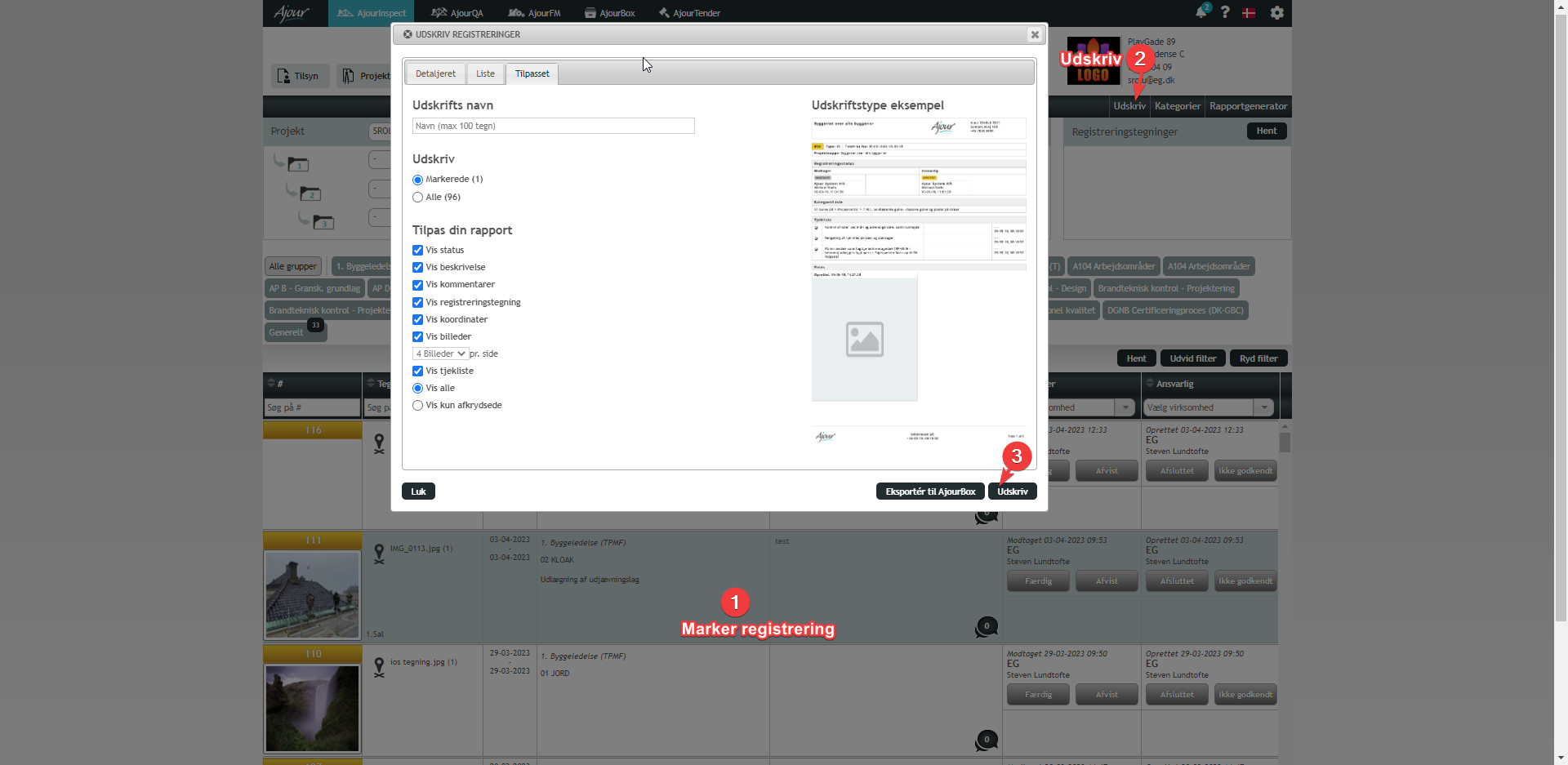
Description #
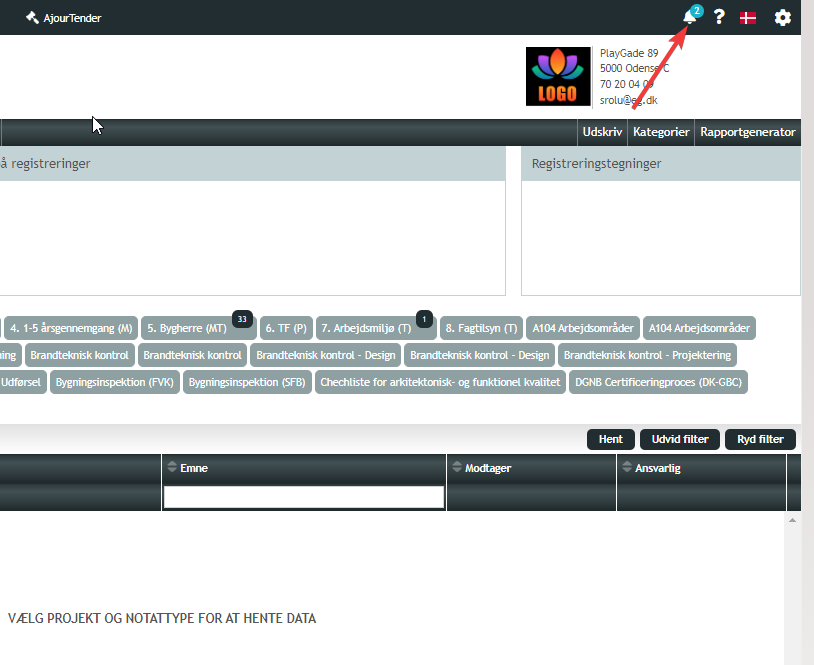
This "issue" most commonly occurs because users are not aware that downloads typically appear in the bell icon in the upper right corner, where the files can be downloaded once the system has finished generating them.
Solution #
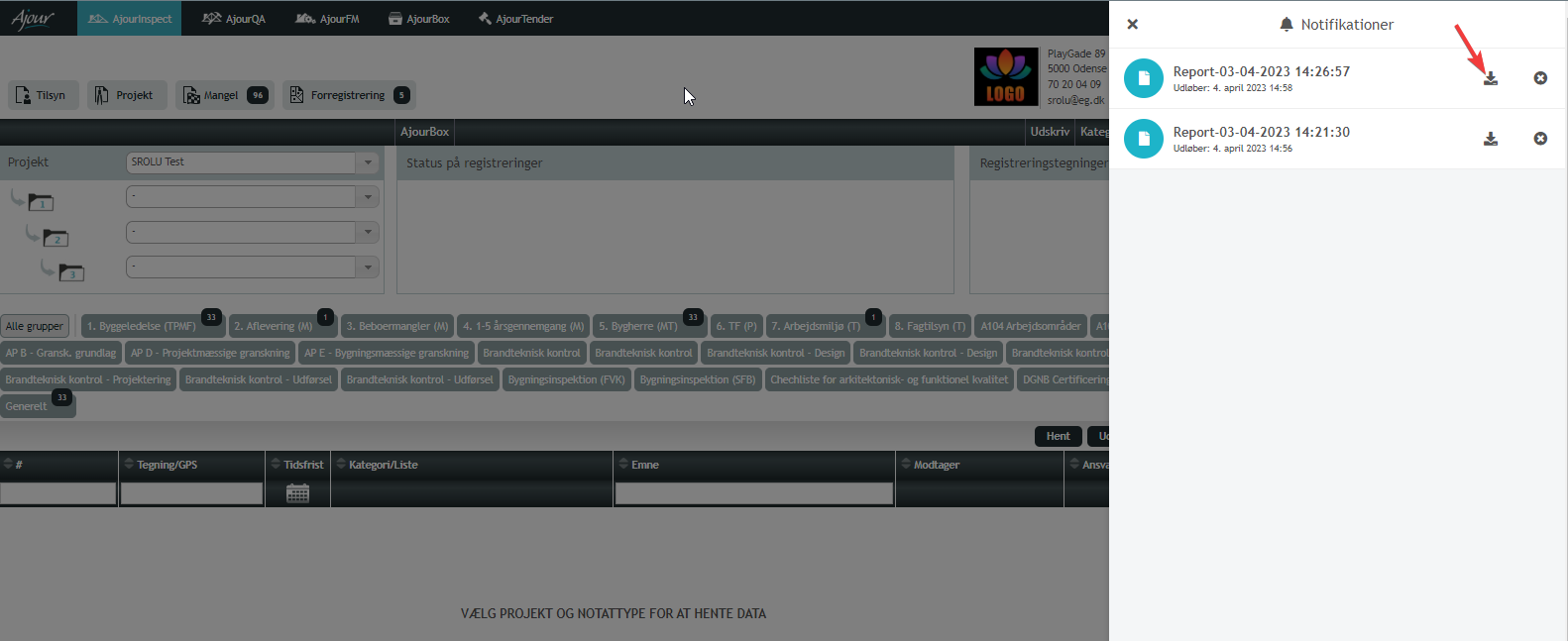
The vast majority of downloads in the form of reports, files, etc. are placed in the bell icon in the upper right corner and are ready to be downloaded as soon as the system has generated the files and made them ready for download. Ask the user to click on the bell icon in the upper right corner and check whether the desired material is ready for download.


